
How to Automate Contract Management: A Step-by-Step Guide (2026)
Aug 26, 2026
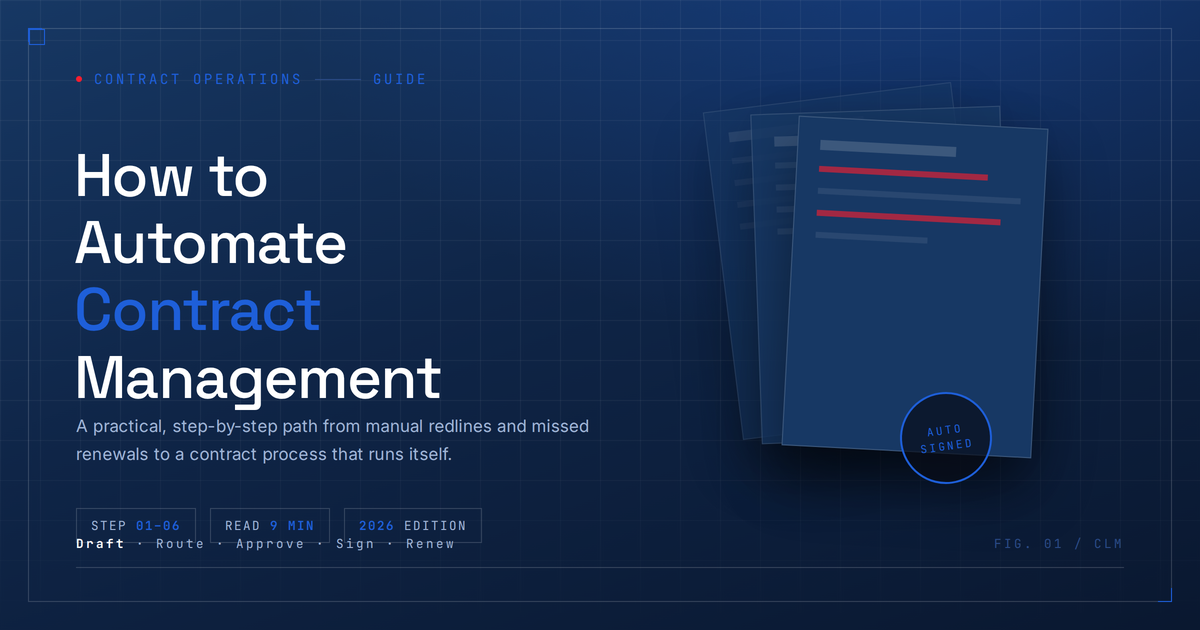
How to Automate Contract Management: A Step-by-Step Guide
Automating contract management means using software to handle the repetitive, rules-based parts of a contract's life — drafting from a template, routing it for approval, collecting signatures, tracking renewal dates — so your legal and deal teams aren't doing that work by hand.
Here's what actually goes into fixing that, step by step.
What contract management automation actually does
Strip away the vendor marketing, and it comes down to this: software takes over the predictable steps in a contract's lifecycle so people only get involved where judgment is actually needed. That covers roughly five stages:
Creation – generating contracts from pre-approved templates and clause libraries instead of a blank Word doc
Negotiation – tracking redlines and getting changes in front of the right reviewer, not whoever happens to be free
Approval – routing based on deal size, risk, or department, so a $2,000 renewal doesn't sit in the same queue as a $2 million MSA
Execution – firing off e-signature requests the second approvals clear
Post-signature tracking – flagging renewal dates, obligations, and expirations before they turn into a problem
Why bother automating this at all
Three things tend to go wrong with manual contract processes, and automation addresses all three pretty directly:
It's slow. Not because writing a contract takes long, but because getting three people to approve it does. A workflow tool that knows who needs to sign off — and nudges them automatically — turns a week-long approval chain into something that closes in a day or two.
Risk creeps in. When every contract starts from scratch, off-policy terms slip through. Standard templates and an approved clause library close that gap, and you get a version history that shows exactly what changed and when.
Deadlines get missed. This is the one that actually costs money. A vendor contract that auto-renews because nobody flagged the 60-day date out isn't a hypothetical — it's the single most common reason teams finally adopt contract software in the first place.
There's also a visibility problem automation solves almost as a side effect: legal, sales, and finance stop working off three different versions of "the truth."
How to automate contract management, step by step
1. Figure out where your current process actually breaks
Before touching any software, map how a contract moves today — who drafts it, who has to approve it, where it lives once it's signed. Most teams assume the problem is drafting. It's almost never drafting. It's the approval chain and the follow-up nobody wants to own.
2. Get everything into one place
Automation can't act on a contract it can't see. That means pulling every existing contract — including the old ones buried in someone's inbox — into a single repository. Fair warning: this step alone tends to surface a few agreements nobody remembers signing.
3. Build out templates and a clause library
Sit down with legal and agree on standard language for your common deal types — NDAs, MSAs, vendor agreements, whatever makes up most of your volume. Without this, the system has nothing to auto-generate from, and every contract ends up needing a human to write it anyway.
4. Set up approval routing rules
Define who needs to sign off based on value, contract type, or risk. Small, standard deals should never touch the same queue as anything with custom liability terms. This is usually where people notice the time savings first.
5. Connect e-signature to the workflow
Once approvals clear, signature requests should go out automatically — no one should have to remember to send them. Most CLM platforms either build this in or integrate with tools like DocuSign or Adobe Sign.
6. Automate what happens after signing
This is the step teams skip, and it's the one that bites hardest. Set alerts for renewal dates, expirations, and key obligations like payment milestones. If you only automate one thing on this list, make it this one — it's the difference between catching a bad renewal 60 days out and finding out about it after the fact.
If you're rolling this out in phases, start here
You don't need to automate everything on day one. In order of ROI versus effort:
Renewal and deadline tracking — fastest to set up, immediate payoff
Standard, low-risk agreement generation (NDAs are the classic example) — high volume, minimal customization
Approval routing — removes the bottleneck most teams complain about.
AI-assisted contract review — flags risky or non-standard clauses before a human even opens the document
Full negotiation and redlining workflows — save this for last, once the basics are running smoothly
What to actually look for in a tool
A repository with real full-text search, not just file names
Approval workflows you can configure to match your actual org chart, not a generic template
E-signature that's either built in or integrates cleanly
AI clause and risk analysis that flags deviations from your standard language
Renewal alerts with lead times you control
Integration with whatever CRM, ERP, or procurement system already holds your contract data — otherwise you've just built a new silo
Where teams get this wrong
Automating a process that was already broken. If nobody agrees on who approves what today, automating it just makes the confusion move faster.
Skipping the clause library. Without it, non-standard contracts still get routed to legal by default, and you've automated nothing.
Underestimating change management. Sales and procurement will route around the new system if they weren't part of setting it up — that's not cynicism, it's just what happens.
Trying to automate everything at once. Start with renewals and templated agreements. Let the harder stuff — negotiation, redlining — come once the foundation actually holds up.
FAQ
Is contract automation just a legal team thing?
No — legal usually owns the policy side, but sales gets faster deal close, procurement gets vendor visibility, and finance gets renewal and payment tracking. Most CLM tools are built with all of those teams in mind, not just legal.
How long does this actually take to set up?
Centralizing contracts and automating renewal alerts can show results in 4–8 weeks. Full workflow automation — AI-assisted review, negotiation routing, the whole thing — is more realistically a 3–6 month project, depending on how many contracts you're dealing with.
Can AI actually review a contract, or does it just move paperwork around?
Modern tools do both. AI can pull out key terms, flag language that deviates from your approved clauses, and summarize risk — but most legal teams still keep a human checkpoint for anything above a certain value or risk threshold. It's not replacing judgment, it's filtering what needs it.
What's the difference between "contract automation" and a "CLM system"?
CLM (contract lifecycle management) is the platform — the whole system that manages a contract end to end. Automation refers to the specific pieces inside it, like routing and alerts. In practice, when people say they want to "automate contract management," they usually mean implementing a CLM tool.
Does this replace legal review entirely?
No, and it's not supposed to. It removes the repetitive work — routing, tracking, generating standard agreements — so legal's time actually goes toward the contracts that need real scrutiny, instead of every single one that comes through the door.
Related Posts
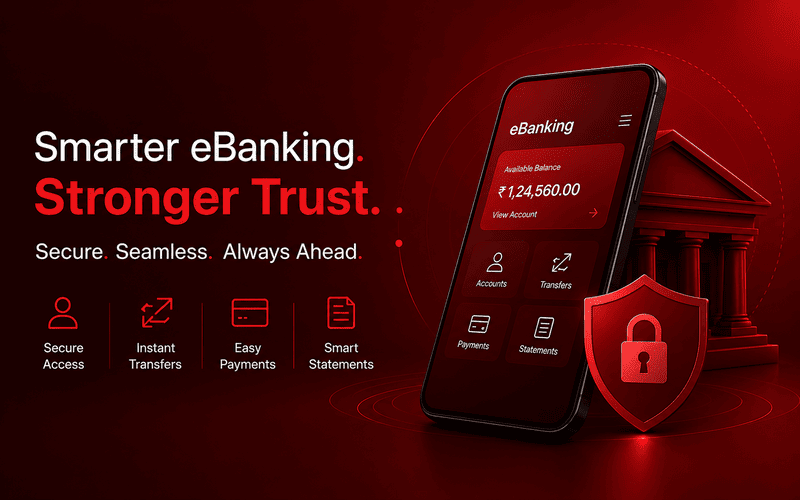
What is E-Banking? Meaning, Types, Benefits & How It Works in India.
E-banking is the digital way of accessing banking services through mobile apps, websites, ATMs, and biometric systems. It enables secure, fast, and branchless financial transactions anytime and anywhere in India.
Read More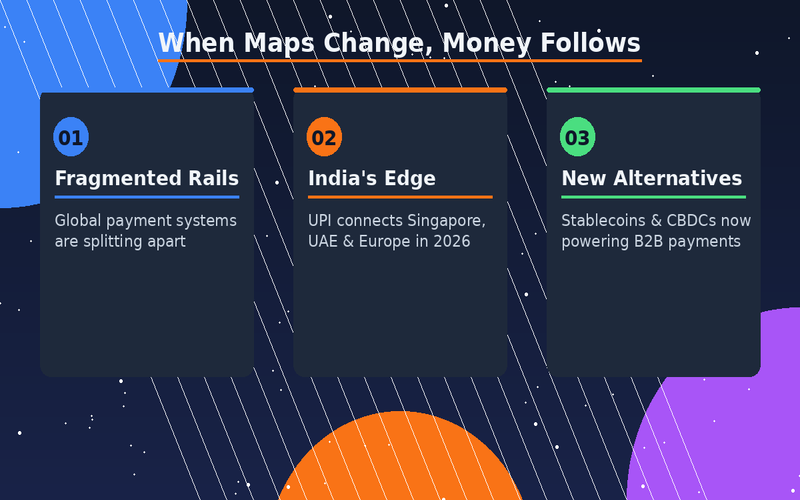
When Maps Change, Money Follows: How Geopolitics Is Rewiring B2B Payments in 2026
Payments are no longer just a plumbing problem — they're a geopolitical one. Explore how Indian B2B businesses can navigate a fragmented, fast-changing global payment landscape
Read More
What Happens Inside an Escrow Release Event? A Step-by-Step Breakdown for Businesses
A complete breakdown of escrow release events—covering triggers, validation, vendor response, and access to source code—helping businesses ensure continuity and minimize vendor risk.
Read MoreReady to Protect Your Core Systems?
Join enterprises that trust SprintEX-Code to safeguard their mission-critical software. Get started with a consultation to discuss your specific escrow requirements.